

A field service product from Gemynd — grounded memory for copier and MPS dealers, service managers, and dispatch teams.

Copier channel · Field service

Senior tech knowledge shouldn't walk out the door.

FieldFlow · grounded answers → FlowView · ops visibility

Field is the dealer vertical for that memory — FieldFlow (Katie) on the call, FlowView back at the shop. Manuals, error codes, and crew notes stay grounded and usable.

For dealer principals, service managers, and dispatch.

Field knowledge is never presented as manufacturer documentation.

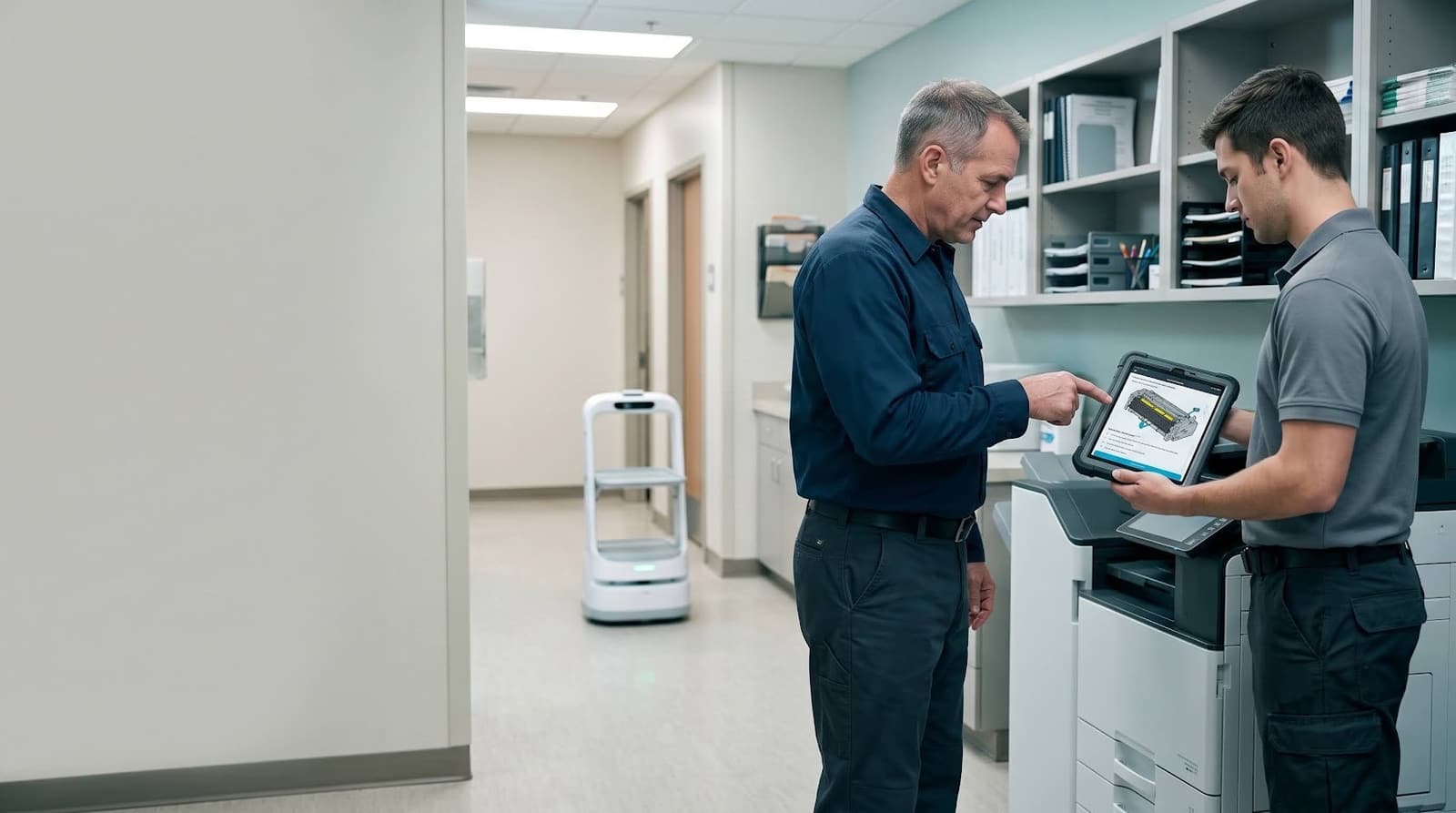
Field service context: dealer manuals, error codes, and operational memory ready for the next call
FieldFlow + FlowView

Knowledge stays with the dealer

not locked in one senior tech's head

Answers from sources you own

manuals, codes, and crew notes

Same call, clearer fix path

rookies and veterans share the memory

Ops can see the field

FlowView across service activity

Standards, memberships & partnerships

Dealer-owned sources

Manuals and codes you already have

Crew notes welcome

Plain-language field memory

Never as OEM docs

Dealer knowledge stays dealer knowledge

Crickets

Provenance & content credentials

Google Cloud

Enterprise cloud infrastructure

The problem

The best fixes still live in one person's head.

When a senior tech retires, changes roles, or is simply booked, the dealer loses the shortest path to a good fix. Manuals and error codes sit in folders. Notes live in tickets, chat, and memory. The next tech starts from scratch — and the customer waits.

The approach

FieldFlow and FlowView — what the dealer actually uses.

FieldFlow (Katie) answers from the manuals and error codes the dealer already owns, plus the notes the crew adds in plain language. FlowView is the cockpit that makes that field memory visible across service and ops — so what gets learned on a call doesn't disappear when the truck leaves.

Field knowledge is never presented as manufacturer documentation.

Manuals, error codes, and crew notes stay dealer memory — useful on the next call, clearly yours, and never dressed up as OEM documentation.

Field · two working surfaces

FieldFlow in the field · FlowView at the dealer

In the field · FieldFlow (Katie)

Grounded answers from the manuals and error codes you already own — plus the notes your crew adds in plain language. The same memory for a first-year tech or a twenty-year veteran.

  • First-call guidance from sources you already have
  • Senior-tech knowledge captured before it leaves
  • Crew notes stay part of the memory

At the dealer · FlowView

The cockpit that makes field memory visible across service and ops. See what the crew is working from — without turning tribal knowledge into a black box.

  • Visibility across service memory and field activity
  • Ops context without rip-and-replace
  • One place to see what the field is using
How Field works

From dealer sources to the next call

FieldFlow on the truck. FlowView at the dealer. Same grounded memory — practical where the work happens.

Answers from what you already own

Manuals and error codes the dealer already has — structured so Katie can point techs at the same source material, call after call.

Crew notes in plain language

The fixes and gotchas your team writes down become part of the memory — not a substitute for the manuals, and never presented as OEM docs.

Ops visibility with FlowView

A cockpit for field memory across service activity — so principals and service managers can see what the team is working from.

Adjacent dealer workflows

Where pricing conversations, robotics quoting, or work-unit models matter to the dealer, the same memory layer can support those discussions — without claiming a live billing stack.

Keep the knowledge with the dealer.

See how grounded field memory and FlowView visibility fit the way your service team already works.